Power Scripts Master Class: Advanced Topics
Power Scripts Master Class: Advanced Topics
Power Scripts Master Class: Advanced Topics
Aug 8, 2023
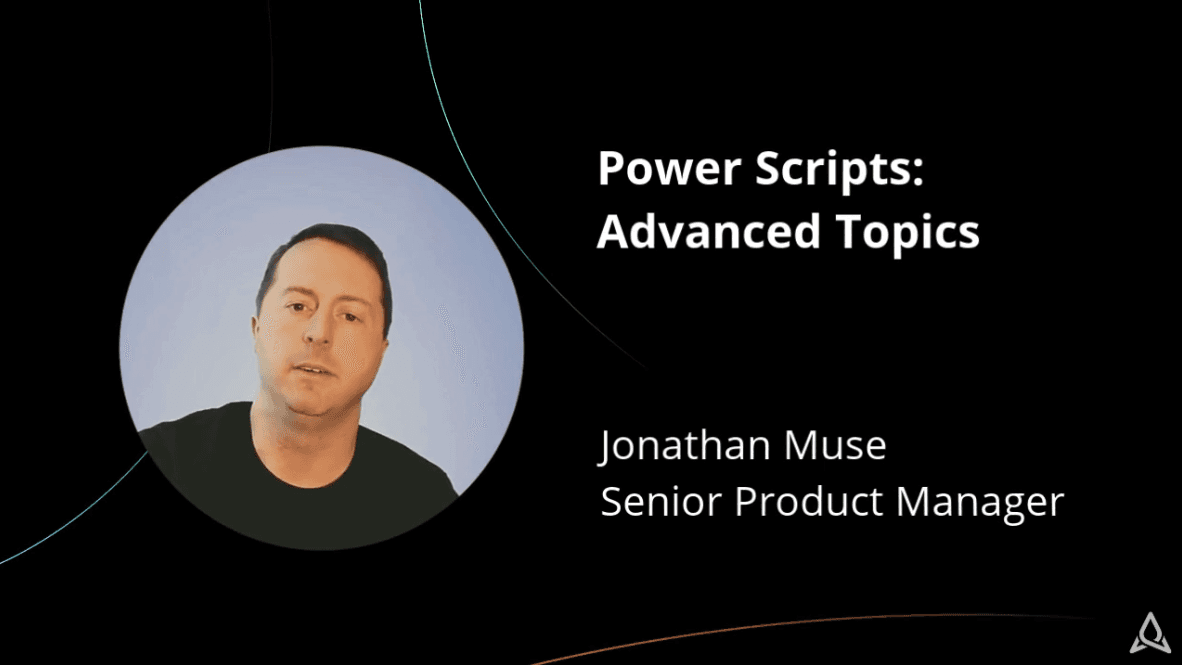
Lesson 1: Master class introduction
This master class offers hands-on training from Jonathan Muse to take your Power Scripts knowledge to the next level and get the most out of Jira.
Lesson 2: Live fields
In this lesson, you'll learn how to control fields in a given Jira project or issue context.
Lesson 3: Event listeners
This lesson shows you how to perform event-based actions (Listeners) in Jira.
Lesson 4: SIL scheduler
Power Scripts expert Jonathan Muse gives you a step-by-step demonstration of how to automatically schedule SIL Scripts.
Lesson 5: JQL functionality in Data Center and Server
In this lesson, you'll learn how to run advanced Jira Query Language (JQL) searches on Data Center and Server.
Lesson 6: JQL functionality in Cloud
This lesson covers how to run advanced Jira Query Language (JQL) searches on Cloud.
Lesson 7: Service management automation
Learn how to enhance standard Jira Service Management capabilities and automate tasks with Power Scripts in this video lesson.
Lesson 8: SIL mail handler
Learn how to process incoming emails and turn them into automated tasks (i.e. create a new issue based on an email)
Lesson 9: SIL runner gadget
In this lesson, Power Scripts expert Jonathan Muse shows you how to configure a list of scripts that can be run on demand directly from your Jira Dashboard.
Lesson 10: Outgoing webhooks
After viewing this lesson, you'll be able to integrate Jira with other systems and send data from Jira to other applications via outgoing webhooks.
Lesson 11: Incoming webhooks
This lesson illustrates how to integrate with other systems and send data between applications via incoming webhooks.
Lesson 12: Switch user
In this lesson, learn how administrators can switch user sessions with any user in order to troubleshoot and resolve issues.
Lesson 1: Master class introduction
This master class offers hands-on training from Jonathan Muse to take your Power Scripts knowledge to the next level and get the most out of Jira.
Lesson 2: Live fields
In this lesson, you'll learn how to control fields in a given Jira project or issue context.
Lesson 3: Event listeners
This lesson shows you how to perform event-based actions (Listeners) in Jira.
Lesson 4: SIL scheduler
Power Scripts expert Jonathan Muse gives you a step-by-step demonstration of how to automatically schedule SIL Scripts.
Lesson 5: JQL functionality in Data Center and Server
In this lesson, you'll learn how to run advanced Jira Query Language (JQL) searches on Data Center and Server.
Lesson 6: JQL functionality in Cloud
This lesson covers how to run advanced Jira Query Language (JQL) searches on Cloud.
Lesson 7: Service management automation
Learn how to enhance standard Jira Service Management capabilities and automate tasks with Power Scripts in this video lesson.
Lesson 8: SIL mail handler
Learn how to process incoming emails and turn them into automated tasks (i.e. create a new issue based on an email)
Lesson 9: SIL runner gadget
In this lesson, Power Scripts expert Jonathan Muse shows you how to configure a list of scripts that can be run on demand directly from your Jira Dashboard.
Lesson 10: Outgoing webhooks
After viewing this lesson, you'll be able to integrate Jira with other systems and send data from Jira to other applications via outgoing webhooks.
Lesson 11: Incoming webhooks
This lesson illustrates how to integrate with other systems and send data between applications via incoming webhooks.
Lesson 12: Switch user
In this lesson, learn how administrators can switch user sessions with any user in order to troubleshoot and resolve issues.
Lesson 1: Master class introduction
This master class offers hands-on training from Jonathan Muse to take your Power Scripts knowledge to the next level and get the most out of Jira.
Lesson 2: Live fields
In this lesson, you'll learn how to control fields in a given Jira project or issue context.
Lesson 3: Event listeners
This lesson shows you how to perform event-based actions (Listeners) in Jira.
Lesson 4: SIL scheduler
Power Scripts expert Jonathan Muse gives you a step-by-step demonstration of how to automatically schedule SIL Scripts.
Lesson 5: JQL functionality in Data Center and Server
In this lesson, you'll learn how to run advanced Jira Query Language (JQL) searches on Data Center and Server.
Lesson 6: JQL functionality in Cloud
This lesson covers how to run advanced Jira Query Language (JQL) searches on Cloud.
Lesson 7: Service management automation
Learn how to enhance standard Jira Service Management capabilities and automate tasks with Power Scripts in this video lesson.
Lesson 8: SIL mail handler
Learn how to process incoming emails and turn them into automated tasks (i.e. create a new issue based on an email)
Lesson 9: SIL runner gadget
In this lesson, Power Scripts expert Jonathan Muse shows you how to configure a list of scripts that can be run on demand directly from your Jira Dashboard.
Lesson 10: Outgoing webhooks
After viewing this lesson, you'll be able to integrate Jira with other systems and send data from Jira to other applications via outgoing webhooks.
Lesson 11: Incoming webhooks
This lesson illustrates how to integrate with other systems and send data between applications via incoming webhooks.
Lesson 12: Switch user
In this lesson, learn how administrators can switch user sessions with any user in order to troubleshoot and resolve issues.
Creativity